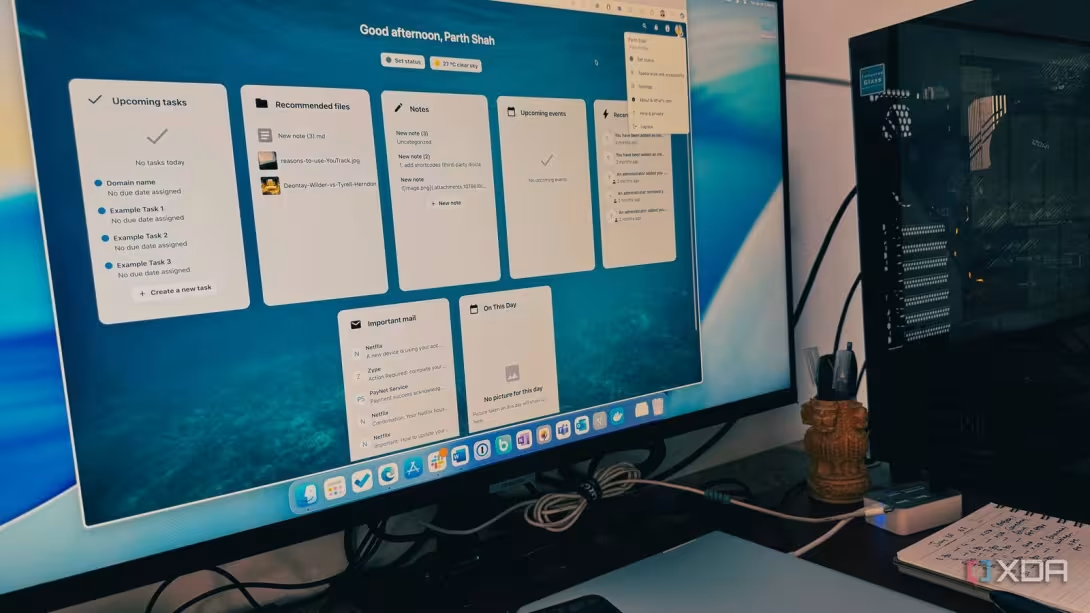


I used Google Drive for years without questioning it. My documents, photos, backups, and personal files were saved across its servers for convenience. OneDrive and Dropbox offered similar experiences, but switching between major cloud providers never felt like a real upgrade.
Nextcloud changed that completely. It gives me the familiar convenience of cloud storage, but with far more privacy, customization, and ownership. Instead of trusting another company with everything, I can run a powerful personal cloud on my own terms.
Google Drive alternatives usually change very little
Whether it’s Dropbox, Box, or OneDrive

Whenever I looked for a Google Drive alternative, the obvious recommendations were always OneDrive and Dropbox. They are capable services, but switching to either one never felt like a meaningful change.
The interface may look different, the pricing may vary, and the integration may favor Microsoft or another ecosystem, but the core experience remains almost identical.
I still upload my files to a company’s servers, accept its storage limits, and trust it to decide how my data is handled. In other words, I am not really gaining control. I am simply replacing one cloud provider with another.
Nextcloud lets me choose where my data lives
Setting it up isn’t easy, though

That is why Nextcloud stood out to me. It does not just offer a different app or logo. It changes the entire relationship I have with cloud storage. I can decide where my files live, how much storage I want, who gets access, and which features are enabled.
For the first time, switching away from Google Drive felt like an actual upgrade. I can run it on a home server, install it on a NAS, rent a VPS, or choose a managed Nextcloud provider if I do not want to maintain the hardware myself.
I decided to host it on my own setup, which means my documents, photos, backups, and personal files stay on storage that I control. I can expand the capacity whenever I need, connect external drives, create separate accounts for family members, and decide which apps and features are enabled.
Nextcloud is powerful, but getting everything running was easily the most difficult part of the switch. Google Drive only asks me to sign in, install an app, and start uploading files.
Nextcloud required me to think about the server, storage, remote access, security, backups, and ongoing maintenance before I could use it as my everyday cloud drive.
The interface still feels like a proper cloud drive
My files remain available on every device


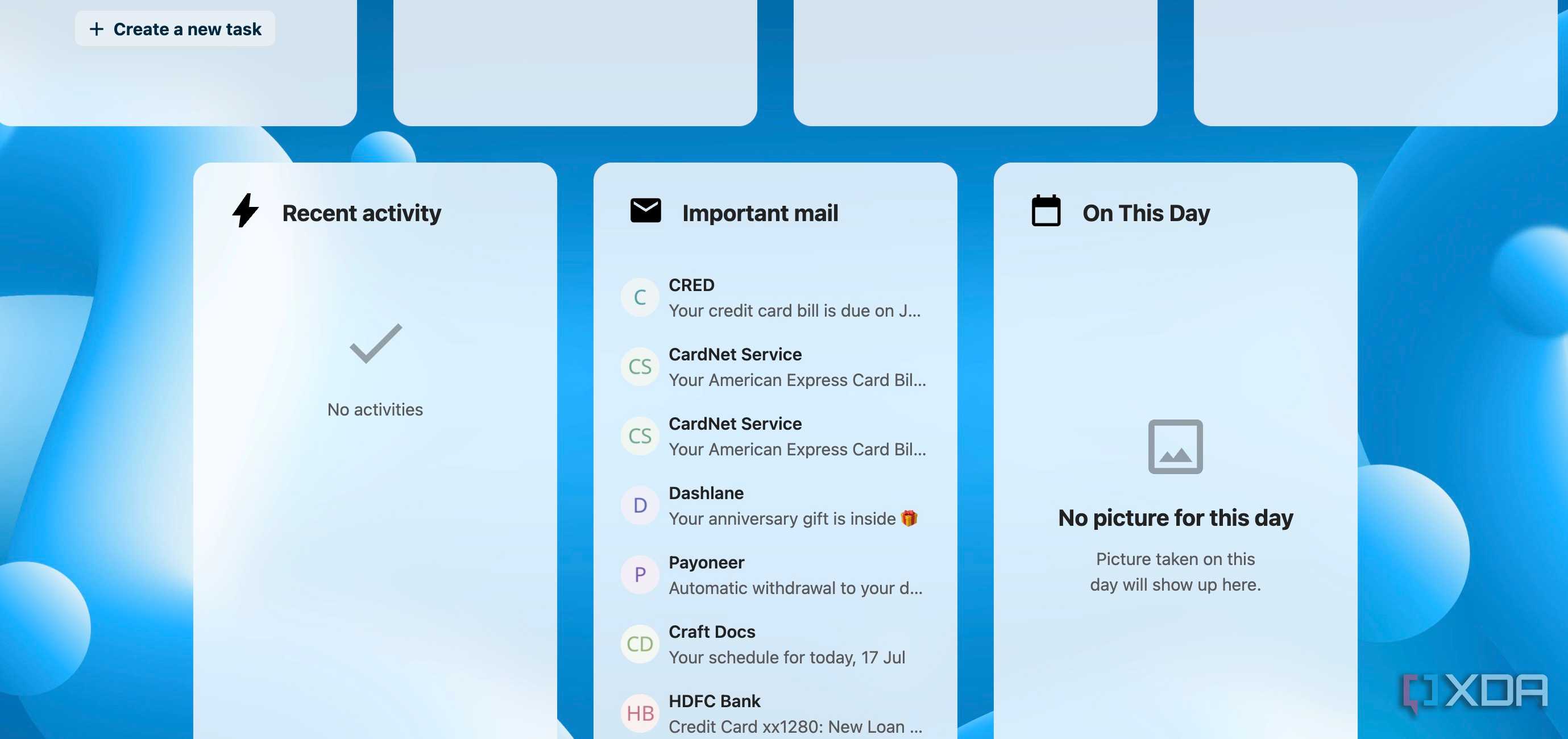
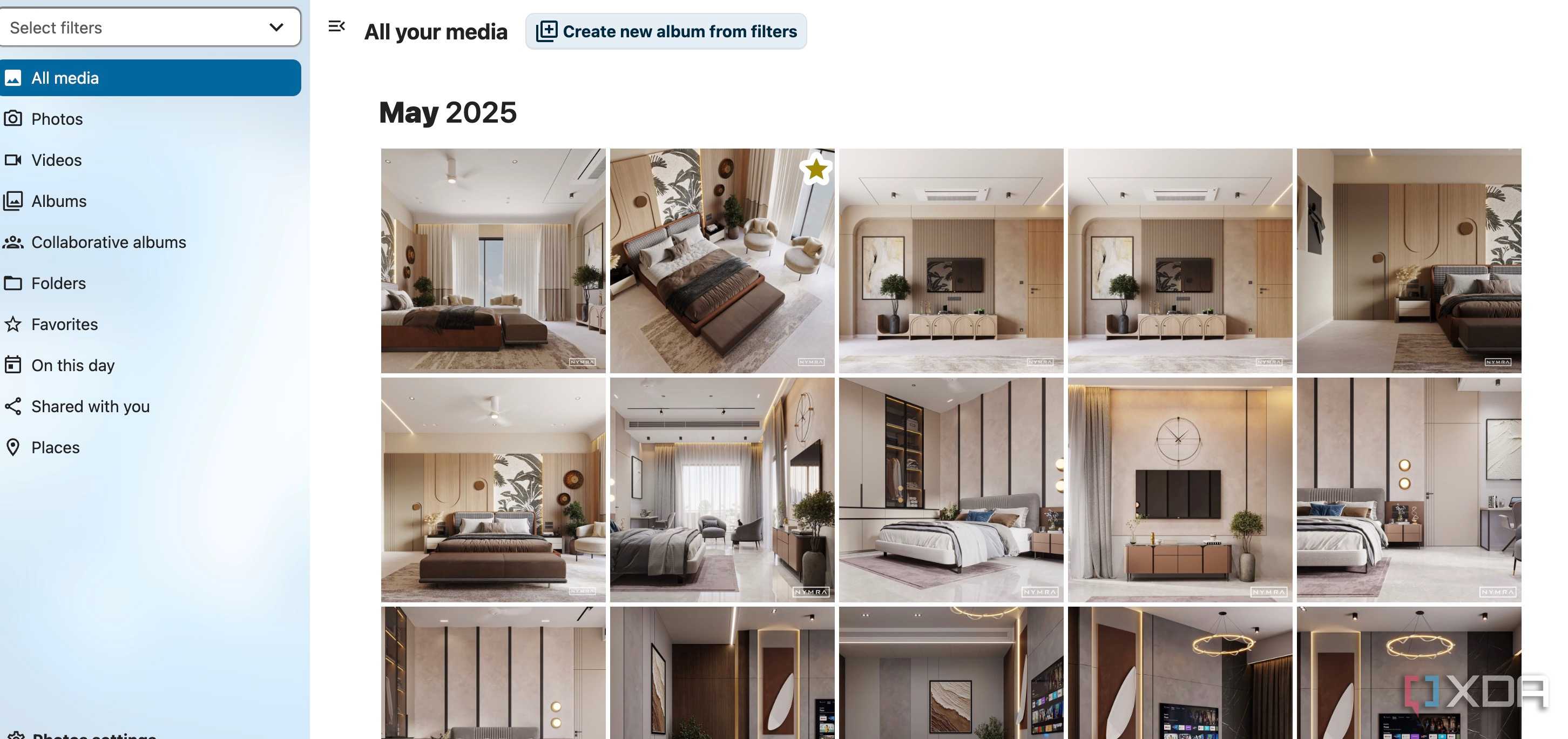
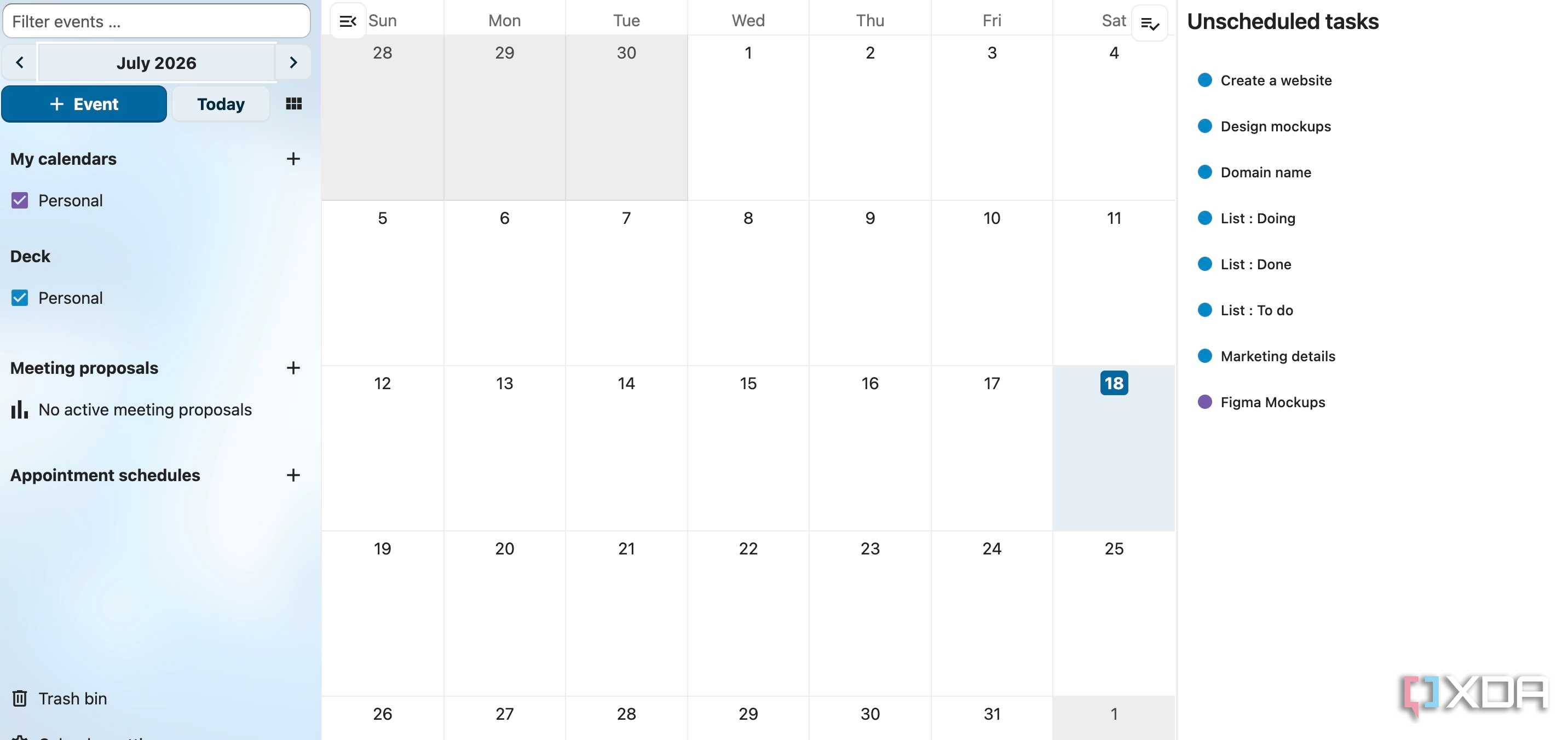
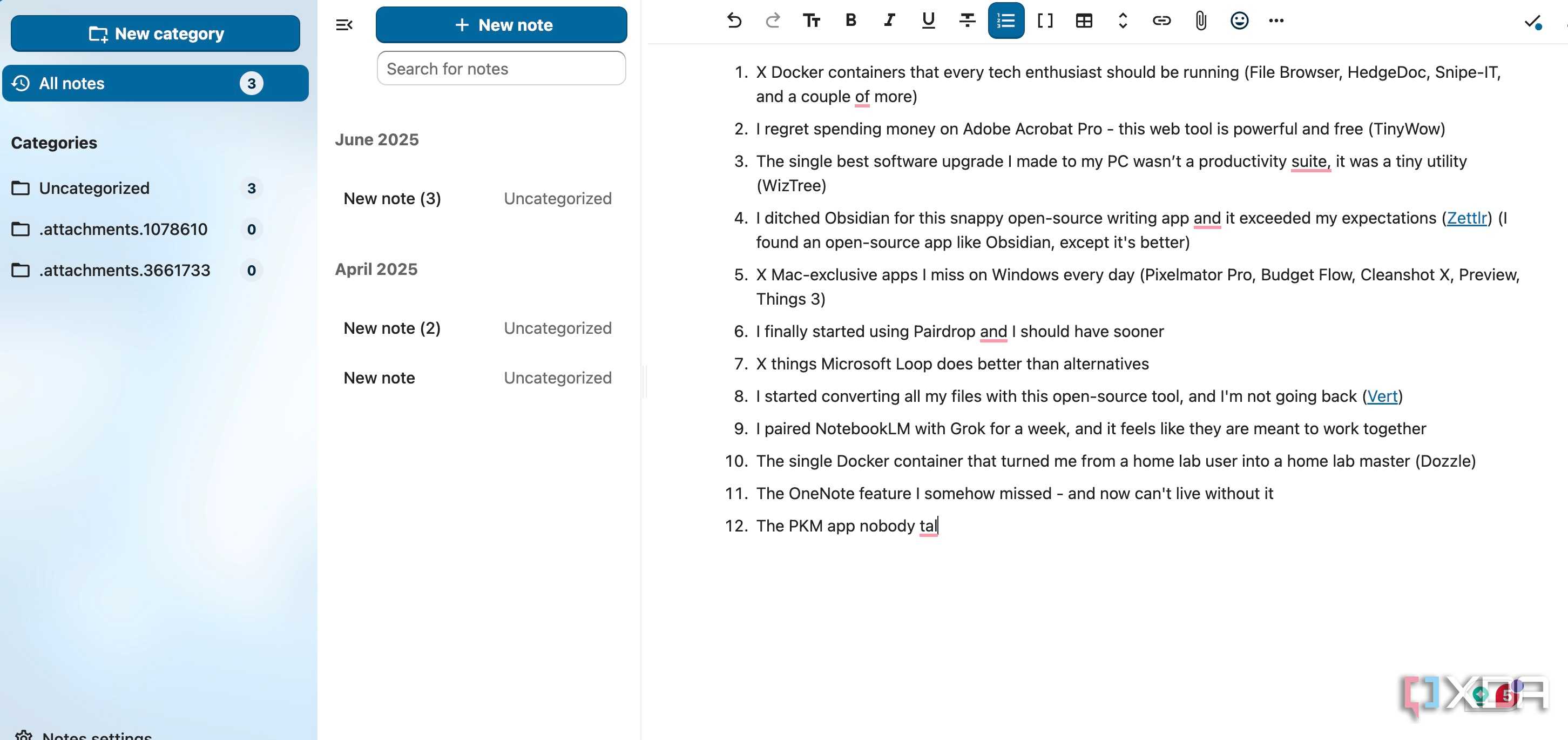

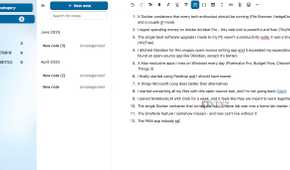
I expected Nextcloud to feel like a technical self-hosting service project first and a polished cloud service second. Thankfully, that has not been the case.
Once I finished the setup and opened the web dashboard, the interface felt familiar. I could browse folders, upload files, mark important items as favorites, check recent activity, and share documents without digging through complicated server menus.
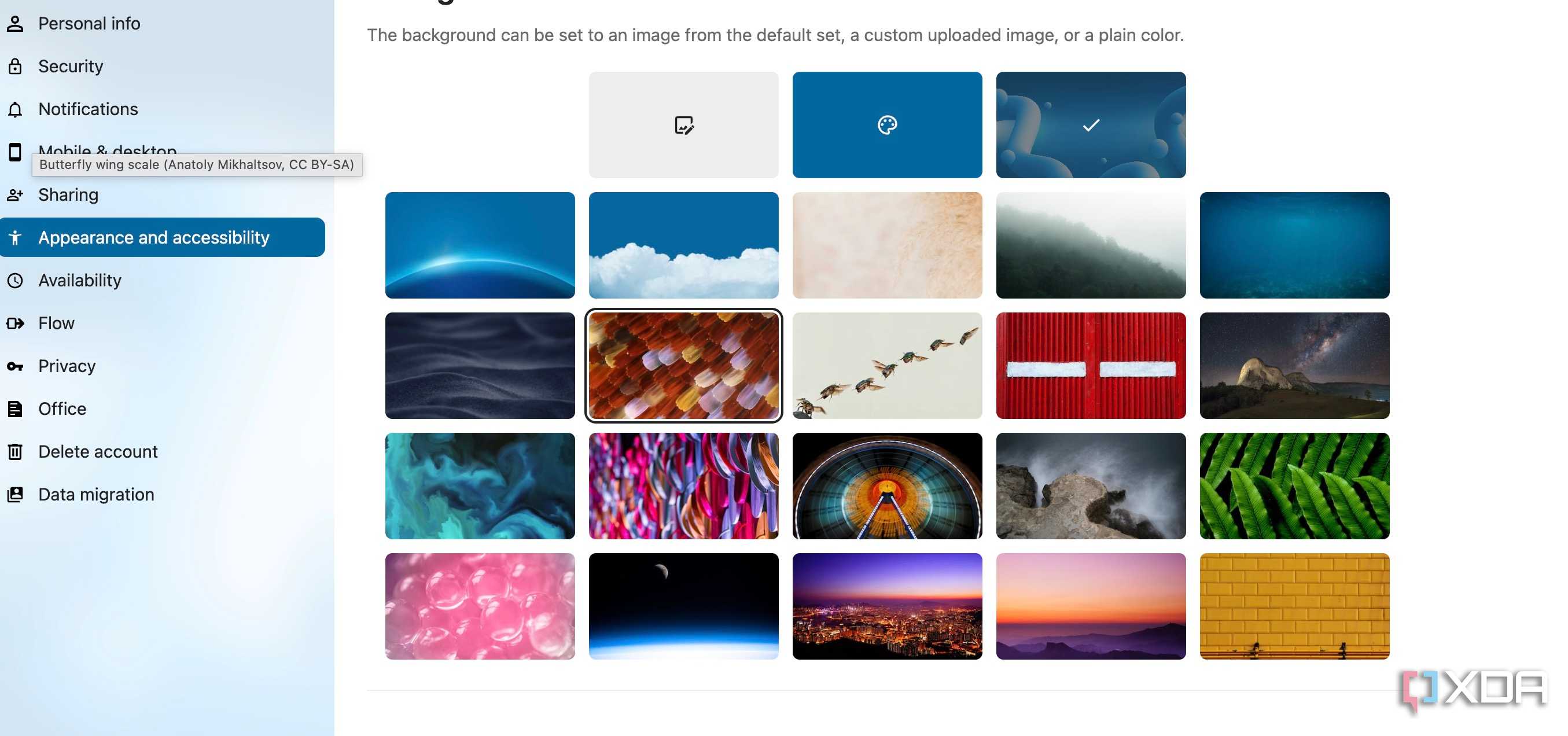
The Files app is clean and easy to understand, and it does not overwhelm me with unnecessary controls. I also like that Nextcloud feels customizable without becoming confusing.
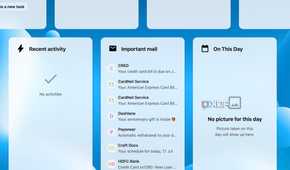
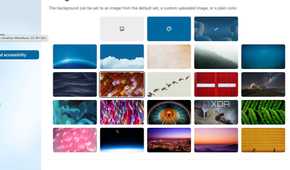
I can add only the widgets I need, change the background wallpaper, and keep the dashboard focused on my workflow.
A private cloud would not be very useful to me if I could access it only from my home server. Nextcloud offers native apps on all the major desktop and mobile platforms. I particularly liked its Android app, which supports the Material You theme.
The desktop client works much like Google Drive for desktop. I select which folders I want to sync, and Nextcloud automatically keeps the local and server copies updated.
Nextcloud is much more than storage
It can replace my photo backup service

Once I started exploring the Nextcloud ecosystem, I realized that calling it a Google Drive alternative barely describes what it can do. Nextcloud can become an entire personal productivity platform, with tools for calendar, email, tasks, notes, documents, and even communication.
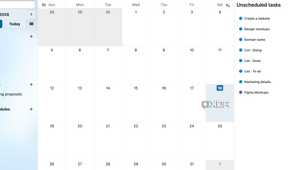
I can sync my calendar and contacts across devices, manage tasks through dedicated apps, and use Deck to organize projects on visual Kanban boards.
The best thing is that I am not forced to enable everything. I can keep Nextcloud as a simple file-storage service or gradually install additional apps as my needs grow.
For example, I can store an article draft in Nextcloud files, add its deadline to Calendar, track its progress in Deck, and share the finished document through a password-protected link.
With the right apps and configuration, it can replace a major part of the Google Workspace ecosystem while keeping everything under my control.
And with Nextcloud for Android, I can enable camera backup and make sure to keep my memories safe and secure across all platforms.
The cloud drive I can control
Nextcloud is not as effortless as signing in to Google Drive and uploading a few files. Setting up a server, configuring storage, enabling remote access, and installing the right apps takes time, especially if you are new to self-hosting.
However, that initial effort has been worth it for me. I now have a private cloud that I can control, with file syncing, photo backups, collaboration tools, and far more flexibility than I expected.
Nextcloud is not the easiest Google Drive alternative, but it is easily one of the most rewarding. Give it a try, spend some time setting it up properly, and you may never want to return to traditional cloud storage.
Nextcloud
- OS
- Windows, macOS, Linux
- Key highlights
- Self-hosted, open source
Nextcloud is a self-hosting cloud storage alternative to Google Drive and OneDrive.
- iOS compatible
- Yes
- Android compatible
- Yes
- Desktop compatible
- Yes