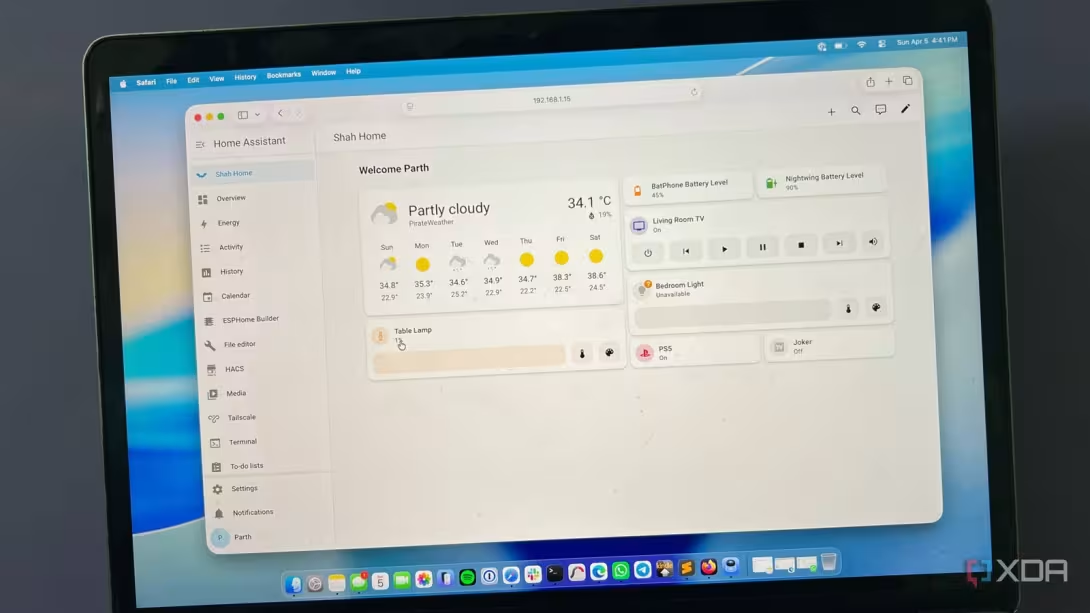


My smart home has been a messy collection of proprietary bridges, cloud-dependent hubs, and a dozen different apps that refuse to talk to one another. Every new device added another point of failure and another tether to a manufacturer’s server.
To avoid such fatigue, I decided to consolidate everything under a single, local-first brain: Home Assistant. By migrating my entire ecosystem into a single Docker container, I didn’t just strip away the hardware clutter; I unlocked a level of automation and privacy that out-of-the-box hubs simply can’t match.

6 Home Assistant integrations I wish I knew about day one
It took me longer than expected to find the integrations that my home needed
The decision to switch to Home Assistant
The ‘Everything’ hub
I was living in a home that was ‘smart’ in name only. My daily routine was a mess: I had one app for the light bulbs, another for the thermostat, and a third for the security camera. I wasn’t running a smart home; I was managing a fragmented tech museum.
The real breaking point was the realization of how little control I actually had. If a manufacturer decided to sunset a product or put a previously free feature behind a paywall, I was powerless to stop them.
That’s when I decided to reclaim my home with Home Assistant. Now, my habits, schedule, and presence stay within these four walls instead of being stored in the cloud.
I wanted an open-source engine that I could tune, tweak, and truly own.
Setting up the brain
Home Assistant in Docker

Once I committed to Home Assistant, the next hurdle was the architecture. While the community often points beginners toward Home Assistant OS, I wanted the lean, mean efficiency of a containerized setup.
I didn’t want a dedicated operating system; I wanted a single, portable process that I could drop onto any Linux box and have running in seconds.
The turning point with Docker is realizing that the container itself is disposable, but the data is sacred. I mapped a local folder on my SSD to the /config directory inside the container. This meant that no matter how many times I updated or moved the container, my automations, dashboards, and integrations remained untouched.
If my server hardware ever dies, I can grab that one folder and my docker-compose file, and I’m back online on a different machine.
The magic of integration
Bringing the devices home
I used to believe that to use Zigbee bulbs or Z-Wave sensors, I needed their specific, manufacturer-branded hubs. Home Assistant proved me wrong.
What makes Home Assistant feel like a superpower is its sheer breadth. I didn’t have to wait for a ‘Works with Home Assistant’ sticker on the box. Because it’s a massive open-source community, I could integrate my thermostat, LG TV, and even my local weather station within minutes.
It didn’t matter if a device used Wi-Fi, Bluetooth, Zigbee, or a local API — Home Assistant found a way to bridge the gap.
I was finally able to do complex tasks, like having an IKEA motion sensor trigger a Philips Hue light that sends a notification to my iPhone, and dimming my Plex media player.
With Home Assistant, most of my devices now communicate over the local network. The latency dropped from ‘noticeable’ to ‘instant’.
For the first time, my smart home stopped feeling like a collection of gadgets and started feeling like a single ecosystem.

5 things I wish I knew before going all-in on Home Assistant
I love Home Assistant, but these are all of the things I wish I knew before diving in.
Life in a Home Assistant house
The speed factor and reliability

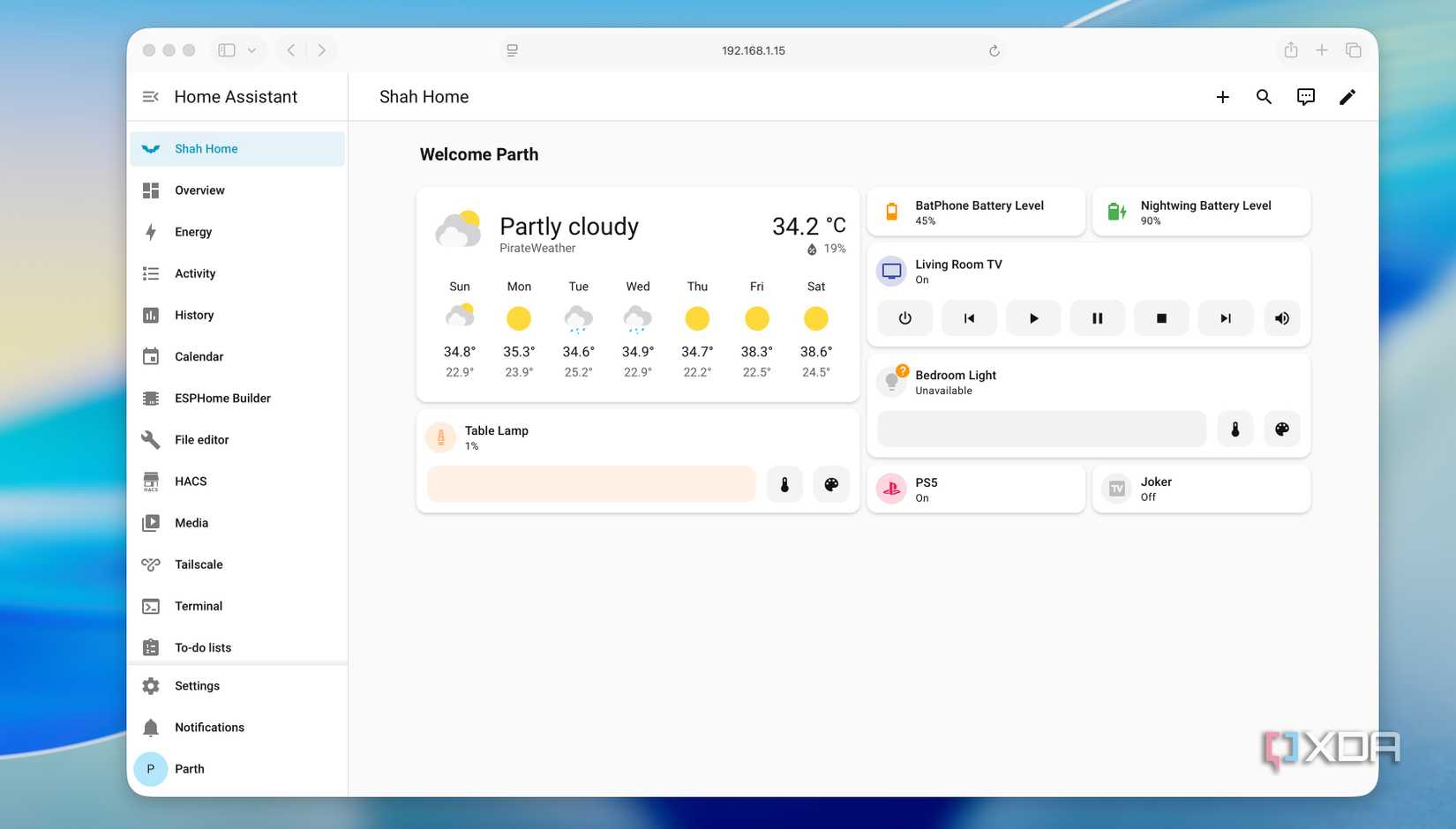
Home Assistant offers a range of customization options. Once I moved into the dashboard editor, I realized I could build a useful dashboard for my desktop and a simplified one for my tablet.
I have worked with many software projects, but Home Assistant is the best example of what an open-source community can achieve. Every time a manufacturer releases a new locked-down smart plug or a quirky Zigbee air quality monitor, someone in the community seems to have a working integration written and shared within days.
The real magic happens in the automation engine. Most commercial hubs limit you to simple ‘If This Then That’ logic. Home Assistant, however, lets me layer conditions and triggers.
The best part is that you don’t even need a house full of expensive sensors to start seeing these benefits. As we have explored before, you can build incredible Home Assistant automations without any extra hardware by leveraging the sensors already in your phone, weather services, or your Wi-Fi router.
The minimalist smart home
Simplifying my smart home down to a single Docker container is all about taking back ownership of my environment. My automations are now faster, my data stays within these four walls, and I no longer have to worry about a cloud server outage leaving me in the dark.
If you are still juggling multiple bridges and proprietary apps, the transition may take a while and be confusing at first, but the payoff is a home that is finally smart.
Meanwhile, check out our dedicated post if you are looking to monitor your home lab with astute details.

Home Assistant
- OS
- Windows, macOS, Linux
- iOS compatible
- Yes
Home Assistant is an open-source smart home hub.
- Android compatible
- Yes